
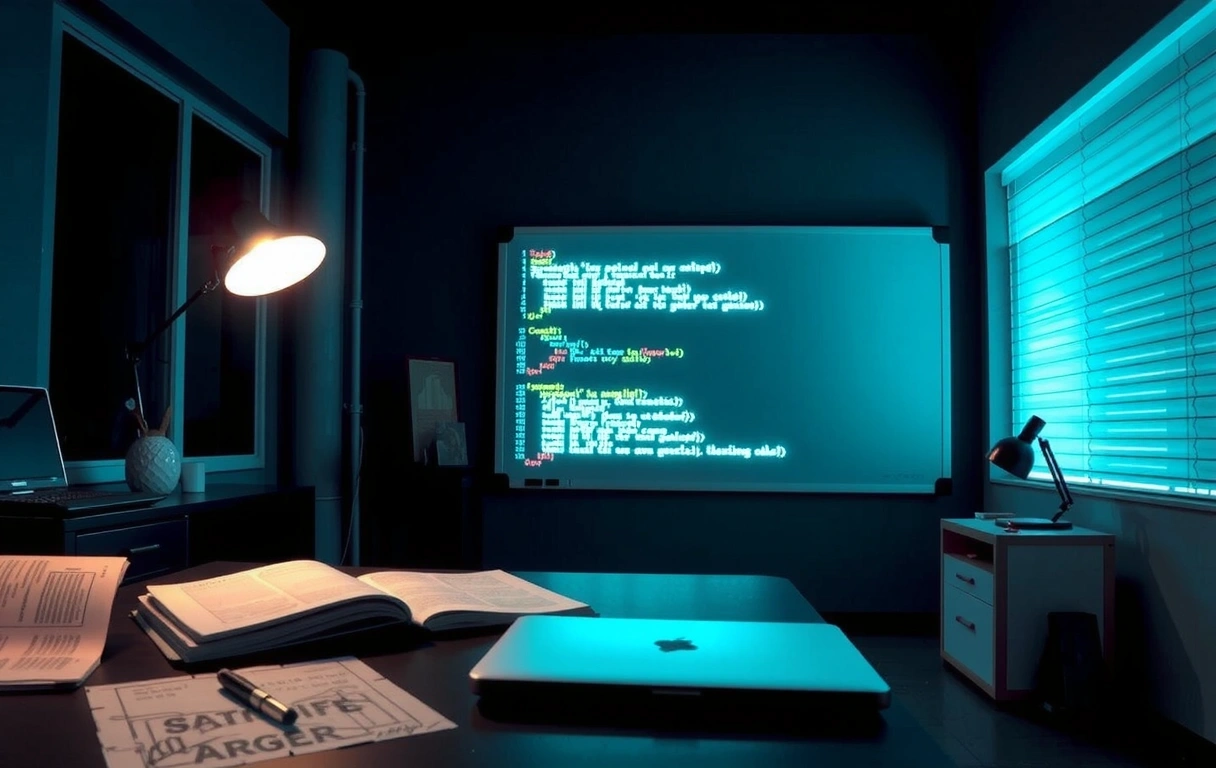
Case Vignette
The tournament final, 2 minutes left. Ping spikes to 85ms.
A pro esports player, mid-leap in a tactical shooter. Frame drops to 45 FPS. Input feels sluggish. The team's comms channel floods with panic.
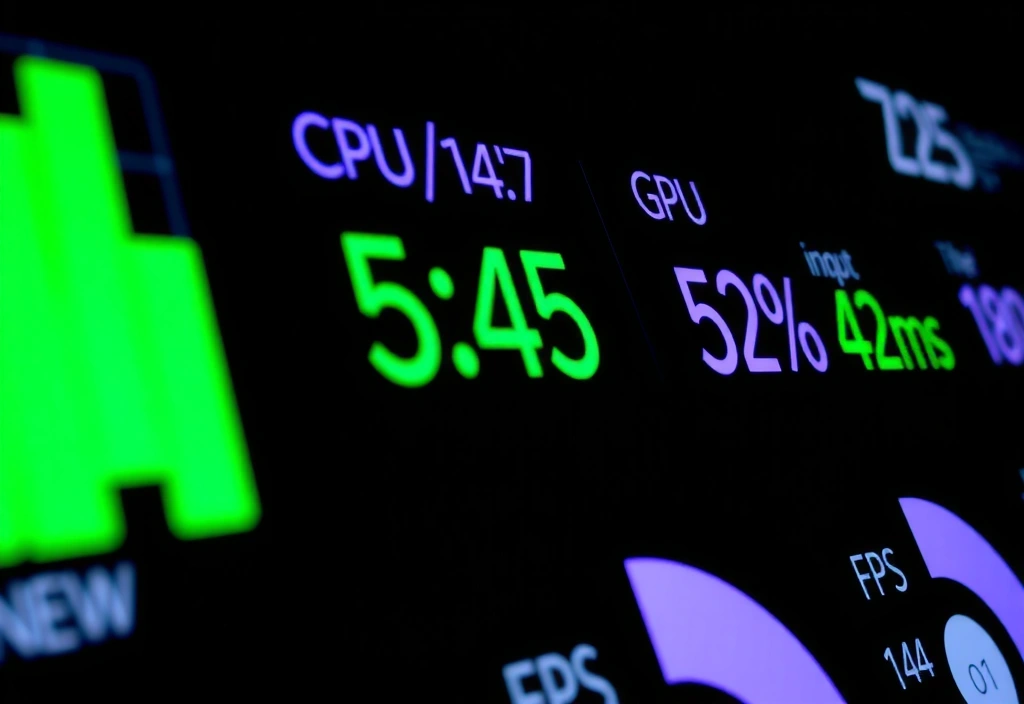
After implementing Digavo's optimization profile, latency dropped to a stable 42ms. FPS held steady at 144. The clutch shot landed. The match went to overtime.
Behind that single moment of performance was a month of pipeline refinement, engine profiling, and hardware-specific tuning. This is where game performance is won.
The Setup Matrix: Your Preset, Your Platform
Static GuideChoosing the right optimization profile isn't about picking the "best" settings. It's about understanding the trade-offs between visual fidelity, responsiveness, and stability for your specific hardware and genre. This matrix outlines our core presets.
Competitive FPS
- • Target: 240+ FPS, minimal input lag
- • Visual Cost: Low texture quality, reduced effects
- • Trade-off: Lower visual fidelity for max performance
- • Best For: Apex Legends, Valorant (competitive builds)
Story Mode
- • Target: 60 FPS, high visual quality
- • Visual Cost: Minimal. Higher shadows, textures, effects
- • Trade-off: Lower peak FPS for a richer experience
- • Best For: Narrative RPGs, cinematic action (e.g., Story Drift)
Balanced
- • Target: 90-120 FPS, good visuals
- • Visual Cost: Moderate (Mid-range shadows/textures)
- • Trade-off: Sweet spot for most players
- • Best For: General gaming, mixed-play sessions
Hardware Specific
- • Target: Unlock system-specific limits
- • Visual Cost: Variable (e.g., DLSS/FSR integration)
- • Trade-off: Requires newer hardware for full benefit
- • Best For: High-end rigs (e.g., 30-series+, modern CPUs)
Common Optimization Failures
Even well-intentioned tweaks can backfire. Here’s what we see most often, and how to avoid it.
The V-Sync Trap
Disabling V-Sync for lower input lag can cause severe screen tearing, making the game unplayable. Solution: Use Fast Sync or adaptive sync (G-Sync/FreeSync) if your monitor supports it.
Aggressive OC Instability
Overclocking CPU/GPU for extra frames without voltage tuning leads to crashes mid-game. Solution: Stability testing for 1 hour per MHz increment is non-negotiable.
Background Process Blindness
Closing "obvious" apps like Chrome but leaving updaters (Steam, Epic) or overlays (Discord, Nvidia) running. Solution: Use a clean boot profile for competitive sessions.
Driver Updater Amnesia
Installing the latest GPU driver without checking game-specific release notes. Solution: Always check the "Game Ready" driver patch notes for known issues.
Glossary: The Language of Performance
Input Lag
The time between your button press and the on-screen action. Our Take: For competitive play, this is the #1 metric. Anything under 50ms is playable; under 30ms is pro-level.
1% Low FPS
The frame rate of the slowest 1% of frames. Our Take: More important than average FPS. A stable 90fps feels better than an average 120fps with frequent stutters.
Draw Call
A command from the CPU to the GPU to render an object. Our Take: High draw calls choke CPUs. Modern games use batching; poorly optimized ones do not.
PPS (Packets Per Second)
Not a graphics term, but critical for online games. Our Take: 64 PPS is standard. Lower is choppier; higher doesn't help if the server can't handle it.
Render Queue
The backlog of frames the GPU is processing. Our Take: A full queue (high %GPU usage) means you're GPU-bound. An empty queue with low %GPU means you're CPU-bound.
The Performance Philosophy
The Digavo Trade-off Frame
No optimization is free. Every gain has a cost. Our philosophy is to be explicit about what we prioritize, what we sacrifice, and how we mitigate the downsides.
What We Optimize For (The Benefits)
- Input Latency Reduction: Direct targeting of the click-to-photon pipeline, prioritizing CPU/GPU scheduling for the render thread.
- FPS Stability (1% Lows): Smoothing frame times by managing background process interference and memory contention.
- Resource Efficiency: Reducing CPU overhead so more cycles are free for game logic, networking, and AI (critical for MMOs/RTS).
What We Trade & How We Mitigate
- Visual Fidelity: Higher quality shadows, textures, and post-processing effects are often reduced. Mitigation: We offer granular controls, so users can toggle specific effects back on without breaking the core profile.
- Compatibility: Some aggressive tweaks conflict with specific anti-cheat systems. Mitigation: We maintain a public compatibility list and provide "safe mode" profiles for tournament play.
- Setup Time: The initial scan and profile application takes 2-5 minutes. Mitigation: Profiles are saved locally and can be reapplied instantly for future sessions.
Questions Clients Should Ask Us
1. What's your measurable input lag reduction for a low-end Android device?
We benchmark on a specific chipset (e.g., Snapdragon 720G) to provide a realistic delta, not a best-case claim.
2. How do you handle anti-cheat conflicts?
We never modify game binaries. Our optimization is at the OS/driver layer and uses whitelisted methods.
3. What's the CPU overhead of your engine?
We target <2% total CPU usage for non-critical tasks. The full breakdown is available in our technical whitepaper.
4. Can you provide before/after metrics for a similar title?
Yes, under NDA. We can share anonymized case studies showing FPS stability and latency metrics.
5. What happens when a major game update breaks our profile?
We monitor top titles. If a patch breaks optimization, we issue a profile update within 48 hours.
6. Do you support controller input latency?
Yes. We optimize for both KBM and controller polling rates, including Bluetooth latency reduction.
Ready to move beyond generic settings and build a performance strategy?
Schedule a Performance AuditStart the Conversation
Have a specific performance challenge, a title in the pipeline, or a question about our approach? We're here to help.